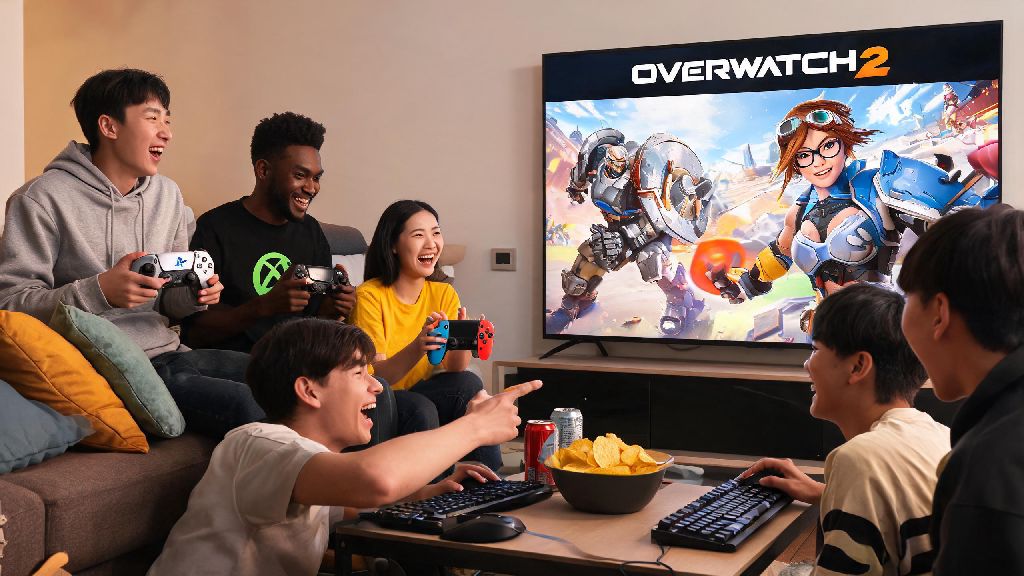
There’s nothing more frustrating than coordinating a game night with friends, only to realize you’re split between console and PC and can’t queue up together. If you’re an Overwatch 2 fan, you’ve almost certainly wondered can console players play with pc players overwatch 2, especially if your friend group uses a mix of PlayStation, Xbox, Switch, and PC. Crossplay is standard for most modern live-service games, but Overwatch 2 has a few unique rules around cross-platform play that even long-time players often miss. We’re breaking down everything you need to know to play with friends no matter what platform they use, no extra work required.
Can Console Players Play With PC Players Overwatch 2? The Short Answer
The short answer is yes, console and PC players can play Overwatch 2 together with no extra purchases or special downloads required. Crossplay is enabled by default for all platforms when you first install the game, so you don’t have to toggle any hidden settings to access it right out of the box. This works for all casual game modes, custom lobbies, arcade modes, and even competitive play, though there are a few caveats for competitive you’ll want to know before you queue up. The only time you won’t be able to play with PC players is if you or the PC player you’re trying to group with has intentionally disabled crossplay in their game settings.
How Crossplay Matchmaking Works for Cross-Platform Overwatch 2 Lobbies
Unlike many other crossplay games that only separate players by platform, Overwatch 2 prioritizes input type when building lobbies to keep matches as fair as possible. Input type takes priority over platform for Overwatch 2 matchmaking, so a PC player using a controller will be matched with console controller players far more often than PC mouse and keyboard players. This system is designed to avoid the inherent advantage mouse and keyboard has for fast-paced aim, which would make matches unfair for casual controller players. There are four core factors that determine what kind of lobby your group will be placed in when playing cross-platform:
The biggest rule most new crossplay players miss is how mixed input groups are handled. If even one player in your group uses mouse and keyboard, your entire lobby will match against M&K players, regardless of how many controller users are in your squad. That means if you’re a PlayStation controller player grouping with a friend who plays PC with mouse and keyboard, you’ll be facing almost entirely PC M&K players, even if 4 out of 5 people in your group are on controller. It can feel like a rough adjustment at first, but the rule is in place to stop M&K players from smurfing in controller lobbies to get easy wins.
Limitations to Crossplay Between Console and PC Overwatch 2 Players
While crossplay works for nearly every part of the game, there are a few small limitations you should be aware of before you try to group up. First, some console players opt out of crossplay entirely to avoid facing M&K players, so if you’re a PC player trying to invite a console friend, they may have crossplay disabled and won’t see your invite. Some console players choose to disable crossplay entirely to avoid facing PC M&K players, and you won’t be able to group with them unless they turn the setting back on in their gameplay options.
Competitive play also has a few extra rules. If you’re a console player queuing for competitive alone, you’ll only be matched with other controller players on either console or PC, unless you have crossplay disabled. If you group with a PC M&K player for competitive, you’ll be placed in the M&K competitive pool, and your rank will be adjusted to match that pool’s average skill level. You cannot turn off input-based matchmaking, even if you disable crossplay in your settings, so you’ll never be matched against M&K players if you only use controller and don’t group with any M&K players.
You’ll also need to link all your platform accounts to the same Battle.net account if you want to share skins, battle pass progress, and rank across PC and console. If you have separate Battle.net accounts for PC and console, you won’t be able to merge your progress, so make sure you link everything to one account before you spend any money on skins or battle passes.
Tips for Playing Crossplay With Friends Across Console and PC
Getting your cross-platform group set up is easy once you know the small tricks to avoid common headaches. First, make sure you add all your friends on Battle.net, not just your platform’s native friend system. If you only add a friend on PSN, you won’t be able to see them online if they’re playing on PC, so Battle.net friends are the only way to guarantee you can find each other no matter what platform someone is using.
If you’re a controller player grouping with M&K friends for the first time, spend a few matches in quick play or arcade first to get used to the faster pace of M&K lobbies. The average reaction time and aim accuracy in M&K lobbies is noticeably higher than controller lobbies, so jumping straight into competitive can lead to a lot of frustrating losses if you’re not prepared. PC players can use controller to join controller lobbies with their console friends, if they prefer, so if your PC friend doesn’t mind switching inputs, you can avoid the M&K lobby entirely.
If you don’t want to deal with crossplay at all, you can turn it off in the gameplay settings tab, but keep in mind queue times will be much longer, especially for less popular game modes like competitive support or arcade modes. You can also adjust your invite settings to only allow invites from Battle.net friends if you’re tired of getting random invites from players on other platforms. For custom games, there are no crossplay restrictions at all, so you can host lobbies with up to 10 players across any platform for private scrims or casual game nights with friends.
At the end of the day, the answer to can console players play with pc players overwatch 2 is a resounding yes, with only a few small caveats around input matchmaking and settings. I play on both Xbox and PC regularly, and crossplay has let me keep playing with my high school friend group that all uses PlayStation, even though I switched to PC a couple years ago. As long as you double check your input settings and link your Battle.net accounts, you can queue up with any friend no matter what platform they own, with almost no extra work required. Just make sure no one in your group accidentally queues with M&K if you want to stay in controller lobbies, and you’ll have a great time.