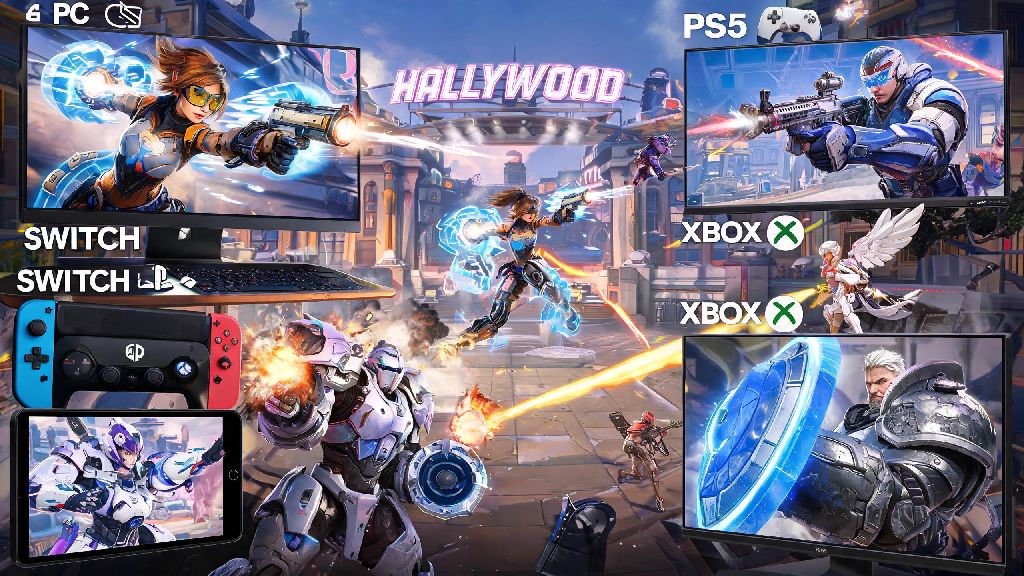
If you’ve ever logged into Overwatch 2 on your PS5 while your best friend is grinding matches on PC, you’ve probably asked: can i play competitive Overwatch 2 cross platform? It’s a super common question, especially now that most multiplayer games let you squad up with friends no matter what device they use. Cross play has been a core part of Overwatch 2 since its launch, but competitive mode has always had tighter rules to keep matches fair for everyone. I’ve spent hundreds of hours playing competitive across PC, Xbox, and Switch over the last two years, so I’m breaking down exactly what works, what doesn’t, and how to make the most of cross play in ranked lobbies.
Can I Play Competitive Overwatch 2 Cross Platform? Official Rules First
The short answer is mostly yes, but there are critical limitations based on what platform you and your friends use. Blizzard designed competitive cross play to prioritize fair matches first, so they split ranked queues into two core input pools: mouse and keyboard (mostly PC players) and controller (mostly console players). Console players can queue for cross platform competitive with all other console platforms by default, no extra settings required. That means if you’re on Xbox, you can play ranked with friends on PlayStation or Switch without jumping through hoops.
PC players are kept in a separate pool by default for a very good reason: mouse and keyboard input offers far faster reaction times and more precise aiming than controller, even with aim assist turned on. If you want to play cross platform competitive between PC and console, you can, but your entire group will be moved to the PC mouse and keyboard pool. That applies even if 90% of your group is on controller, as long as one player is using mouse and keyboard on PC. You’ll also lose aim assist if you’re a controller player in the PC pool, so only do this if you’re prepared for a much stiffer challenge.
Key Restrictions for Cross Platform Competitive Overwatch 2 Queues
Blizzard has a handful of non-negotiable rules for cross platform ranked play to keep matches balanced and fair for all players. Most of these rules are easy to follow once you know they exist, but missing them can lead to frustrating matches or unexpected rank resets when you switch devices. The core restrictions are:
Input-based matchmaking will automatically move your group to the highest input skill pool in your party, so you won’t ever end up in a controller pool if one person in your group is using mouse and keyboard. The rank sync rule trips up a lot of players too: if you’re Platinum on Xbox, you’ll start with a fresh unranked account if you log into the same Battle.net account on PC, and those ranks will never merge. That’s because PC and console rank brackets are balanced separately, so a Platinum on console does not equal the same skill level as a Platinum on PC.
How to Queue for Cross Platform Competitive Overwatch 2 With Friends
Queuing for cross platform competitive is surprisingly easy once you have the right settings sorted. First, make sure cross play is enabled in your account settings, which it is by default for all new accounts. If you turned it off in the past to avoid playing against other platforms, you’ll need to toggle it back on in the “Social” tab of your settings menu. Next, add your friends using their Battle.net ID, not their platform-specific friend ID, to make sure you can connect with them no matter what device they’re using.
Once your group is assembled, look for the small pool indicator at the top right of your competitive queue screen. It will clearly say “Console Pool” or “PC Pool” so you know exactly what lobbies you’re getting into before you hit queue. Always check the queue pool before hitting ready – I’ve made the mistake of missing that a friend logged into their PC account instead of their Xbox account before, and we got rolled by top 500 PC players within 5 minutes of the match starting. If you’re a controller player on PC, you can opt to play in the console pool as long as you’re not grouped with any mouse and keyboard players, which is a great option if you prefer controller but own a gaming PC.
Pros and Cons of Cross Platform Competitive Overwatch 2
Cross platform competitive has huge benefits for most players, but it’s not perfect for everyone, especially if you play on older or lower-powered hardware. The biggest upside for most people is faster queue times, especially if you play in less populated regions or lower ranks where there are fewer players on your specific platform. Cross platform competitive queues are on average 40% faster than platform-exclusive queues for most ranks and regions, so you’ll spend less time waiting and more time playing. You also get to play with all your friends no matter what console they own, so you don’t have to split up just because one person has a PS5 and another has a Series X.
The downsides mostly come down to hardware discrepancies between platforms. Switch players will almost always face a slight disadvantage in cross platform competitive lobbies, due to the console’s 30fps cap and less precise controller input compared to PS5 or Xbox Series X/S. You also might run into players using third-party controller accessories with advanced aim assist or custom button mapping that you don’t have access to, though that’s rare in most lower and mid ranks. If you’re used to only playing against players on your own platform, you might also need a few matches to adjust to different playstyles from players on other devices, like PC players who prioritize fast, mechanical play over slow, strategic positioning.
At the end of the day, the answer to can i play competitive Overwatch 2 cross platform is mostly yes, as long as you understand the pool rules and restrictions that come with it. Cross play makes competitive mode far more accessible for most players, as long as you go into it with clear expectations around input advantages and rank sync. If you follow the tips we laid out, you can squad up with all your friends no matter what console they own, and climb the ranks together without running into unnecessary issues. If you’re still unsure about your queue pool, take 10 seconds to check the indicator before you queue, and you’ll avoid 90% of common cross play frustrations.