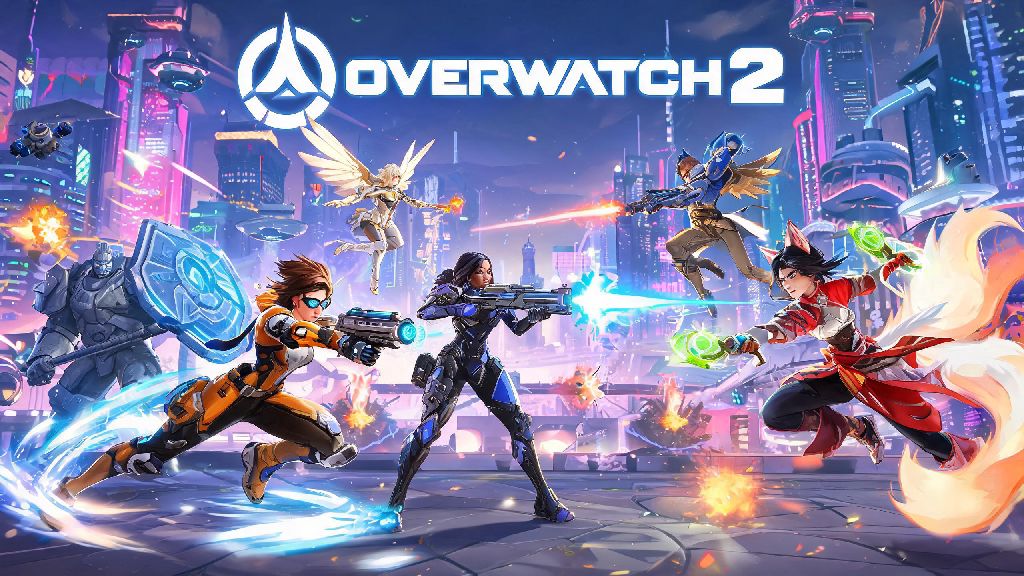
If you’ve seen clips of insane team wipes, cute fan art of Kiriko or Tracer, or your friends keep bugging you to queue up with them, you’ve probably asked can i play overwatch 2 at some point. The good news is the hero shooter is far more accessible than many other competitive games on the market right now, but there are a few key details you’ll want to know before you hit download. I’ve been playing Overwatch on and off since the original launched in 2016, and I’ve helped dozens of new players get set up over the last two years since Overwatch 2 dropped, so I’ll walk you through exactly what you need to get started, what to expect, and how to avoid the most common newbie mistakes.
What Do I Need to Play Overwatch 2?
Overwatch 2 is completely free to play on all supported platforms, so you don’t have to pay a dime to download and play the full base game. So if you’ve been asking can i play overwatch 2 without spending any money upfront, the answer is a resounding yes. The only paid content is optional cosmetics, battle passes, and hero bundles, none of which are required to access core gameplay or all playable heroes.
The minimum PC specs for 1080p 30fps gameplay are surprisingly low, so you don’t need a fancy gaming rig to run it:
If you have a slightly better setup, you can easily hit 1080p 60fps with a mid-tier processor and GTX 1650 or equivalent graphics card, which is standard for most budget gaming PCs built in the last five years. Console players don’t have to worry about specs at all, as the game is optimized to run smoothly even on older PlayStation 4 and Xbox One hardware. I’ve played it on a 7-year-old laptop on low settings before, and it ran well enough to queue up with friends without any major lag issues. You don’t need to own the original Overwatch to play Overwatch 2, which is a common misconception many new players have.
Can I Play Overwatch 2 With Friends On Different Platforms?
Crossplay is fully enabled by default for all players, so you can group up with friends no matter what device they use. Crossplay works across all supported platforms, including PC, console, and Switch, as long as everyone links their account to a free Battle.net profile. That means if you play on PC and your best friend only has a Switch, you can still queue up for matches together without any extra work, as long as you both add each other’s Battle.net accounts.
You can also share all your skins, battle pass progress, and unlocks across every device you play on, so you don’t have to start over if you upgrade from a PS4 to a PS5 or decide to try playing on PC. The only caveat is that if you’re a console player grouped with a PC player, you’ll be placed in PC lobbies, which tend to have slightly more skilled players on average, so you might want to stick to casual modes first if you’re new. You can turn off crossplay entirely in your settings if you want, but queue times will be much longer, especially on less populated platforms like the Nintendo Switch.
Accessibility Settings That Make Overwatch 2 Playable For More Users
Blizzard has poured a huge amount of work into accessibility features over the last few years, so the game is accessible for far more players than most other competitive shooters on the market. If you have specific play needs that you’re worried might hold you back, you’ll be happy to know that the answer to can i play overwatch 2 is almost definitely yes, thanks to the game’s robust accessibility suite. Colorblind filters, customizable controller and keyboard bindings, and aim assist are available for all players, regardless of platform or play mode.
For example, players with hand tremors can adjust aim smoothing and turn on enhanced aim assist to make targeting easier, while players with visual impairments can adjust enemy highlight colors to make opposing players stand out more clearly against the map background. There are also options to turn off screen shake, reduce flashy effects for players with photosensitivity, and adjust the size of all in-game text so it’s easier to read. You can even enable text-to-speech and speech-to-text for in-game chat, so you don’t have to type or use voice chat to communicate with your team if you don’t want to. Blizzard regularly updates these features based on community feedback, so if there’s a setting you want that’s not available yet, there’s a good chance it will be added in a future patch.
Tips for First-Time Overwatch 2 Players to Have Fun Immediately
One of the most common questions new players have after they confirm can i play overwatch 2 is whether they’ll be bad at it when they first start, and the answer is yes, everyone is. You don’t have to jump into competitive ranked matches right away, and you shouldn’t, until you’re comfortable with at least a couple of heroes. Start with quick play or arcade modes to learn hero abilities before you try ranked, as these modes have much more relaxed matchmaking and most players are just there to mess around, not grind for a high rank.
Stick to beginner-friendly heroes when you first start. Support heroes like Mercy, damage heroes like Soldier: 76, and tank heroes like Reinhardt all have simple, easy-to-learn abilities that don’t require perfect mechanical skill to be useful. Another thing to remember is that team play is way more important than individual skill. You don’t need to get 30 kills a match to be a good player; healing your teammates, shielding them from damage, or pinging enemy positions is just as valuable as getting eliminations. The game has a built-in ping system so you don’t even need to use voice chat if you don’t want to, which is perfect for players who feel anxious talking to strangers online. If you run into toxic players, you can mute them in two clicks, and the in-game report system is very effective at dealing with repeated bad behavior.
At the end of the day, if you’re curious about trying the game, the answer to can i play overwatch 2 is almost always yes, as long as you have a supported device and a decent internet connection. It’s one of the most accessible competitive shooters out there, with something for everyone, whether you want to grind for a high rank, mess around in silly arcade modes, or just hang out with friends while you play. Don’t overthink it: download the game, pick a hero that looks cool, and jump in. You’ll probably have way more fun than you expect.