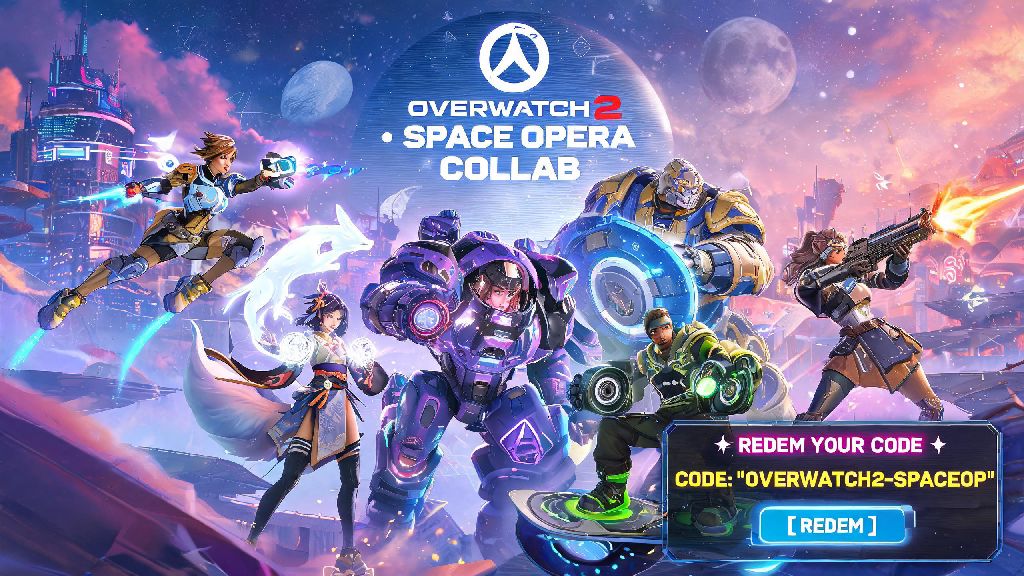
2026 has been a huge year for Overwatch 2 so far, with the long-awaited Space Opera collab event, new support hero Lira, and three fresh battle pass drops rolling out over the first half of the year. I’ve had dozens of friends message me in 2026 asking why their BlizzCon code wouldn’t work, so I put together this guide to cover every possible edge case. If you’ve landed on this page, you probably have a code sitting in your email, Twitch inventory, or physical event swag bag that you’re itching to use. We’ve put together this no-nonsense walkthrough to show you how to redeem Overwatch 2 codes correctly, so you don’t miss out on limited-time skins, currency, or battle pass tiers before they expire.
What Types of Overwatch 2 Codes Can You Redeem in 2026?
Before you jump into redemption, it’s important to know what kind of code you have, as some have specific restrictions that can cause errors if you don’t read the fine print. Most codes distributed in 2026 fall into one of these categories:
Most codes that let you redeem Overwatch 2 rewards are single-use, so you can’t share them with friends after you’ve entered them. Keep in mind that all codes have expiration dates, so if you got a code from the 2026 Lunar New Year event back in February, it’s probably already expired if you haven’t used it yet. Always check the fine print of where you got the code to confirm its validity window and any region locks.
Step-by-Step to Redeem Overwatch 2 Codes on All Platforms 2026
The redemption process varies slightly depending on what platform you play Overwatch 2 on, but we’ve broken down each method to make it as straightforward as possible. If you have a multi-platform code, we recommend redeeming it via the official Battle.net website first, as it will apply to all linked accounts automatically and reduce the risk of errors. If you’re trying to redeem Overwatch 2 codes that you got from Twitch Drops, make sure you’ve claimed the drop from your Twitch inventory first before entering the code.
For PC players, head to the Battle.net client, log into the account you use for Overwatch 2, click your profile icon in the top right corner, and select “Redeem a Code” from the dropdown menu. Enter your code exactly as it appears, making sure you don’t mix up letters like O and 0 or I and 1, then click “Redeem” to confirm. If the code is valid, the rewards will show up in your in-game inventory within 5 minutes.
Console players can either redeem codes directly via their platform store, or use the web-based redemption tool to skip typing with a controller. If you choose the web method, you can access the official Blizzard code redemption page from any device, log into your linked Battle.net account, enter the code, and select your console platform from the dropdown to apply the reward directly to your account. For Switch players, make sure your Nintendo Account is properly linked to Battle.net first, otherwise the reward won’t sync to your game.
You don’t need to launch Overwatch 2 to redeem codes, but we recommend closing the game completely before you go through the process to avoid any sync issues that could make your rewards take longer to appear. If your rewards don’t show up after 15 minutes, try restarting your game once to trigger a fresh sync with the Battle.net servers.
Common Overwatch 2 Code Redemption Errors (And How to Fix Them 2026)
Even if you follow all the steps correctly, you might run into an error message when you try to redeem your code. Most of these issues have quick fixes that don’t require contacting support, so don’t panic if you see a pop-up saying your code is invalid. If you’re trying to redeem Overwatch 2 codes that you got as a gift, ask the giver to confirm they haven’t already used it before contacting support.
The most common error is “Code already redeemed”, which usually means you or someone else with access to your account already used the code, or you got the code from a third-party seller that already redeemed it before sending it to you. If you got the code directly from Blizzard or an official partner, reach out to their support team with proof of purchase to get a replacement. If you bought it from an unvetted reseller, you’re likely out of luck.
Another frequent issue is “Region lock error”, which happens when you try to redeem a code that was distributed for a different region than your Battle.net account is registered to. For example, a code given away at the 2026 EU Overwatch League Grand Finals won’t work on a North American account, and vice versa. There’s no way to bypass region locks, so you’ll need to get a code that matches your account’s region.
The “Code expired” error is exactly what it sounds like: you tried to use the code after its validity period ended. Most event codes expire 30 to 90 days after they’re distributed, so we recommend redeeming codes as soon as you get them to avoid missing out. If you just got the code and it says it’s expired, double-check the promotion terms to make sure you’re not trying to redeem it before the start date of the event it’s tied to.
Best Practices to Protect Yourself When Getting Overwatch 2 Codes in 2026
With the rise of fake giveaway accounts on TikTok, X, and Instagram in 2026, it’s more important than ever to be careful when someone offers you a free Overwatch 2 code online. A lot of these scams are designed to steal your Battle.net account credentials, so following these simple rules will keep you and your account safe. Official giveaways are the only reliable way to get free codes to redeem Overwatch 2 rewards without risking your account.
First, never click links from unsolicited DMs offering free codes, even if the account looks like it’s affiliated with Blizzard or Overwatch. Official Blizzard accounts will never DM you asking for your account password or personal information to send you a code. All official giveaways are announced on the verified Overwatch social media pages or Blizzard’s official website, so only trust codes that come from these sources.
Second, avoid buying codes from third-party reseller sites that don’t have verified buyer protection. A lot of these sites sell used or fake codes, and you won’t be able to get a refund if the code doesn’t work. If you do buy a code from a third party, make sure you get a screenshot of the unused code before you pay, and redeem it immediately to confirm it works.
Finally, don’t share any of your codes with people you don’t trust, even if they offer to trade you a rarer code in return. Once a code is redeemed, it can’t be reversed, so you’ll lose your reward with no way to get it back if the other person scammed you. It’s always better to use codes yourself first, or only share them with close friends you know won’t take advantage of you.
Redeeming codes is one of the easiest ways to get free, exclusive Overwatch 2 rewards without spending extra money on in-game purchases, and with all the events planned for the rest of 2026, you’ll probably have plenty of chances to get more codes in the coming months. As long as you follow the steps we outlined, watch out for common errors, and stay away from scam giveaways, you’ll have no trouble claiming every reward you’re entitled to. Next time you get a new code, you’ll know exactly how to redeem Overwatch 2 codes without wasting time or running into avoidable issues.