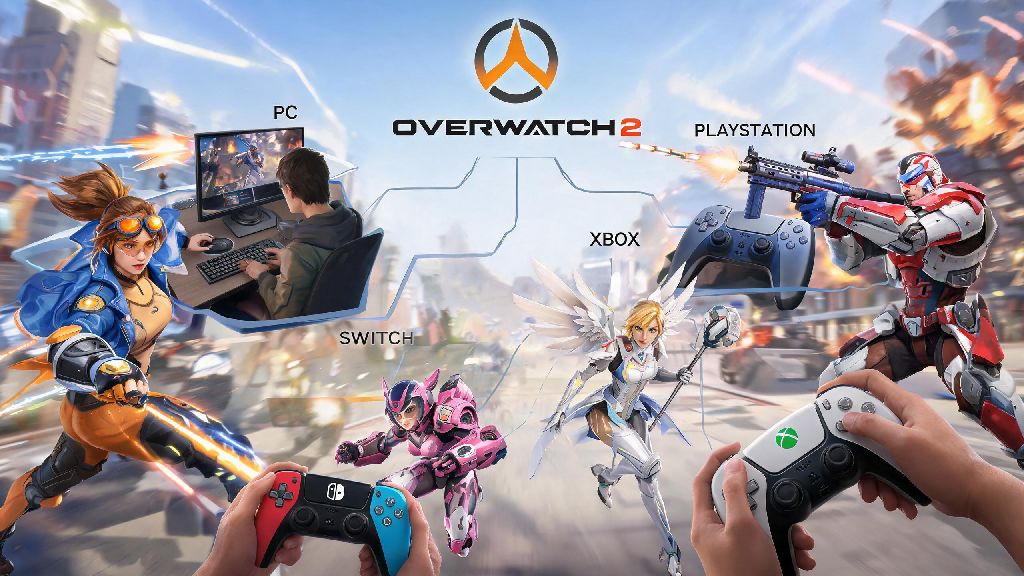
If you’ve ever tried to queue for a quick play match with friends who own different consoles or a PC, you’ve probably wondered: is Overwatch 2 cross play available for all platforms? Blizzard expanded cross-platform support shortly after the game’s free-to-play launch, but there are a lot of details most players miss, from progression sync limits to input-based matchmaking rules. I’ve spent hundreds of hours playing across PC, PS5, and Switch, so I’m breaking down exactly how cross play works, what restrictions apply, and how to avoid the most frustrating bugs that pop up when playing across devices.
How to Confirm Is Overwatch 2 Cross Play Enabled for Your Platform
Cross play support extends to every platform Overwatch 2 is available on, including Windows PC, PlayStation 4 and 5, Xbox One and Series X/S, and Nintendo Switch. You don’t have to pay any extra fees to access cross play features, though console players will still need their platform’s active online subscription to play online modes as usual. Cross play is enabled by default for all eligible platforms, so you don’t have to manually turn it on unless you previously disabled it to avoid PC players.
To check your cross play status in-game, open the options menu, navigate to the Gameplay tab, and look for the Cross Play toggle. If it’s grayed out, the issue is almost always tied to your platform’s system settings rather than the game itself. Minors with active parental controls on their console account often have cross play blocked by default, so you’ll need to adjust family privacy settings to turn it on.
Key Cross Play Features You Can Access Across Devices
Cross play isn’t just limited to queuing for matches with friends on other devices. Blizzard built out a full suite of cross-platform features to make the experience consistent no matter what device you’re using, including:
Competitive mode has slightly different rules to keep matches fair for all players. Competitive cross play is only enabled for players in the same input pool, so controller players won’t be matched against mouse and keyboard players unless they manually turn off input-based matchmaking. I’ve noticed that a lot of new controller players turn off this setting by accident, then get frustrated when they get crushed by PC players who have faster aim response. If you’re running into errors when trying to confirm is Overwatch 2 cross play working for your account, the first step is to check your account links.
Common Cross Play Issues and How to Fix Them
The most frequent issue players run into is not being able to join a friend’s cross-platform lobby. 90% of the time, this happens because one person in the group hasn’t linked their console account to a Blizzard Battle.net account. You have to link your console account to a valid Blizzard Battle.net account to access cross play features, even if you never play on PC. You can link your accounts through the official Blizzard website in less than two minutes.
Another common complaint is progression not syncing across devices. This usually happens if you accidentally linked different platform accounts to separate Blizzard accounts, rather than linking all your platforms to one main account. Blizzard only supports account merging one time per player, so make sure you pick the account with the most progress as your main before linking other platforms. If you’re on Nintendo Switch, you may need to restart your game after adjusting cross play settings for the changes to take effect.
If you keep getting a “cross play disabled” error even when your in-game toggle is on, check your console’s system privacy settings. Most consoles have a separate cross-network play toggle in the account privacy menu that overrides in-game settings. Turn that on, restart your game, and the error should clear up immediately.
Pros and Cons of Playing Overwatch 2 With Cross Play Enabled
The biggest benefit of keeping cross play turned on is the much larger player pool, which cuts queue times drastically for almost every mode. I’ve seen open queue competitive wait times drop from 15 minutes to under 2 minutes on off-peak hours when cross play is enabled, which makes grinding ranks far less tedious. You also get to play with all your friends no matter what device they own, which is a game-changer for casual groups that have a mix of PC and console players.
There are a few downsides worth considering too. Cross play lobbies sometimes have slightly higher ping if you’re matched with players from far away regions, especially if you’re playing on Nintendo Switch which has less consistent Wi-Fi support than other platforms. You also might run into more smurf accounts, since PC players can make new free accounts far faster than most console players. If you primarily play competitive mode to climb ranks, you can disable cross play entirely to only match with players on your same platform, which can lead to more consistent match quality.
I personally keep cross play enabled for casual and arcade matches with my friends who play on Xbox, but turn it off when I’m grinding support ranks on PC. It gives me the best of both worlds: I get to play with my friends when I want to relax, and avoid any potential input imbalance when I’m trying to climb to Masters.
At the end of the day, the answer to is Overwatch 2 cross play is a resounding yes, with support for almost every platform the game is available on, and features that make playing with friends across devices far easier than it was in the original Overwatch. As long as you take a minute to double check your account links and input matchmaking settings, you won’t run into major issues, and you’ll get to enjoy shorter queue times and more flexible lobby options. If you haven’t tried playing cross play with your friends yet, queue up for a quick play match this week – you might be surprised how seamless the experience is now.