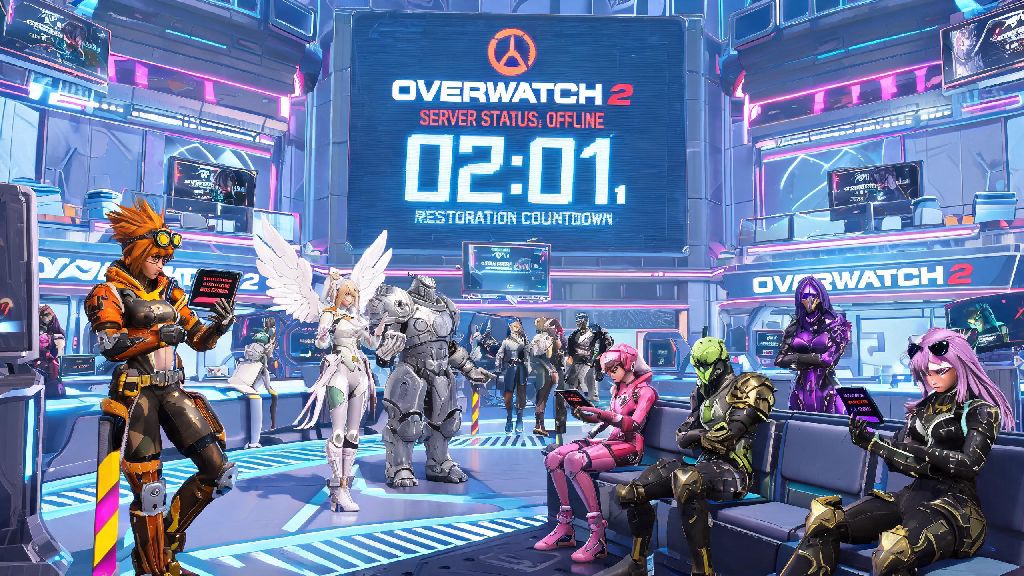
You’re all geared up to queue for a competitive match, you’ve picked your main support, equipped your favorite new skin, and suddenly you get hit with a “lost connection to game server” error. We’ve all been there, and the first question that pops into every frustrated player’s head is when will Overwatch 2 servers be back up. This guide breaks down every common reason for downtime, how to check official status updates, and quick fixes you can try on your end if the problem isn’t on Blizzard’s side.
Common Reasons Overwatch 2 Servers Go Offline
Most server outages fall into two categories: scheduled maintenance and unexpected downtime, and knowing the difference helps you set realistic expectations for how long you’ll be waiting to play. Scheduled maintenance is the most predictable cause, and Blizzard almost always announces these 3 to 7 days in advance across their official social channels and in-game news feed. Most scheduled patches happen on Tuesday mornings between 9 AM and 12 PM UTC, though timing can shift slightly depending on the size of the update. Small hotfixes might only take 30 minutes to roll out, while major season updates that add new heroes, maps, and game modes can take up to 4 hours to deploy fully.
Unexpected downtime is far more frustrating, and it usually stems from one of a few common issues. DDoS attacks are the most frequent cause of surprise outages, especially during high-traffic events like seasonal launches, Overwatch League finals, or collaborative in-game events. These attacks flood servers with fake traffic, making it impossible for legitimate players to connect, and Blizzard’s security team usually takes between 1 and 3 hours to mitigate these attacks fully. Another common cause is critical bug discoveries right after a patch rolls out: if a game-breaking bug that crashes lobbies or lets players exploit ranks is found, Blizzard will often take servers offline temporarily to roll back the patch or deploy a quick fix, even if they didn’t announce maintenance beforehand. I’ve sat through multiple 4-hour unexpected outages right when a new season dropped, so I know how frustrating it is to miss out on first-day battle pass grind.
How to Check When Will Overwatch 2 Servers Be Back Up
When you get a connection error, the first thing you should do is confirm if the outage is affecting everyone, or just you. The most reliable source for real-time updates is the official Blizzard Support X (formerly Twitter) account. This account posts updates as soon as an outage is detected, and usually shares an estimated restoration time within 30 minutes of their team starting work on the issue. You don’t need an X account to view these posts, they’re public and easy to find with a quick search.
Blizzard’s official server status page is another trusted source, which lists live status for all their games, including Overwatch 2, sorted by region. If you play on North American servers, make sure you’re checking the status for your specific region, because sometimes only one region is down while others are fully operational. Third-party sites like DownDetector are also useful to cross-reference: if you see a sudden spike in outage reports in the last 10 minutes, you can be sure the problem isn’t just you. I always cross-check both the official status page and DownDetector when I get a connection error, just to rule out any local network issues first before I start complaining about server problems to my friends.
Quick Fixes to Try if the Problem Is on Your End
If all official sources show servers are fully online, you don’t need to sit around waiting wondering when will Overwatch 2 servers be back up. The issue is likely related to your local network or game client, and these simple fixes will resolve most common connection problems in minutes:
Don’t uninstall and reinstall the game first, that’s a waste of time and bandwidth, and it rarely fixes connection issues unless your game files are severely corrupted. If you’ve tried all the fixes above and you still can’t connect, you can also try flushing your DNS cache on your PC, which clears any outdated IP address records that might be blocking your connection. For console players, make sure your console’s system software is up to date, as outdated system software can sometimes cause compatibility issues with newer game patches. If you’ve tried every fix and you still can’t connect, but official sources say servers are online, you can submit a support ticket to Blizzard, and their team will help you troubleshoot your specific account or connection issue.
What to Do While You Wait for Servers to Come Back Online
Spamming the login button over and over won’t make servers come back any faster, so you might as well use the downtime productively. If you’re a competitive player, you can review your recent match replays to spot mistakes you’ve been making, or practice your aim in an offline aim trainer to keep your skills sharp while you wait. If you’re more of a casual player, you can browse the Overwatch 2 workshop to find fun custom game modes you want to try as soon as servers are back up, or even plan a group queue with your friends for when the servers go live so you can jump right into matches together.
You can also catch up on the latest patch notes so you know exactly what changes to expect when servers go live, or customize your hero skins and voice lines in the offline menu to pass the time. Avoid clicking random links that claim to give you early access to servers or free skins during outages, these are almost always phishing scams targeting frustrated players. Scammers often post these links on social media and Discord servers, and they’ll steal your account credentials if you log in through their fake site. I’ve even seen players lose their entire accounts that they’ve spent hundreds of dollars on to these scams, so it’s always better to stick to official Blizzard sources for any updates or rewards. If you’re really bored, you can join the official Overwatch 2 Discord to chat with other players waiting for servers to come back, I’ve made a few queue friends this way during long outages.
At the end of the day, most Overwatch 2 server outages only last a couple of hours at most, and Blizzard is usually pretty transparent about when will Overwatch 2 servers be back up once they’ve identified the issue. If you follow the steps we’ve laid out, you’ll never be stuck guessing if the problem is on your end or theirs, and you’ll know exactly where to find the most up-to-date restoration times. Next time you get hit with a connection error, take a breath, check the official status page, try the quick fixes if needed, and you’ll be back to queuing for matches before you know it.