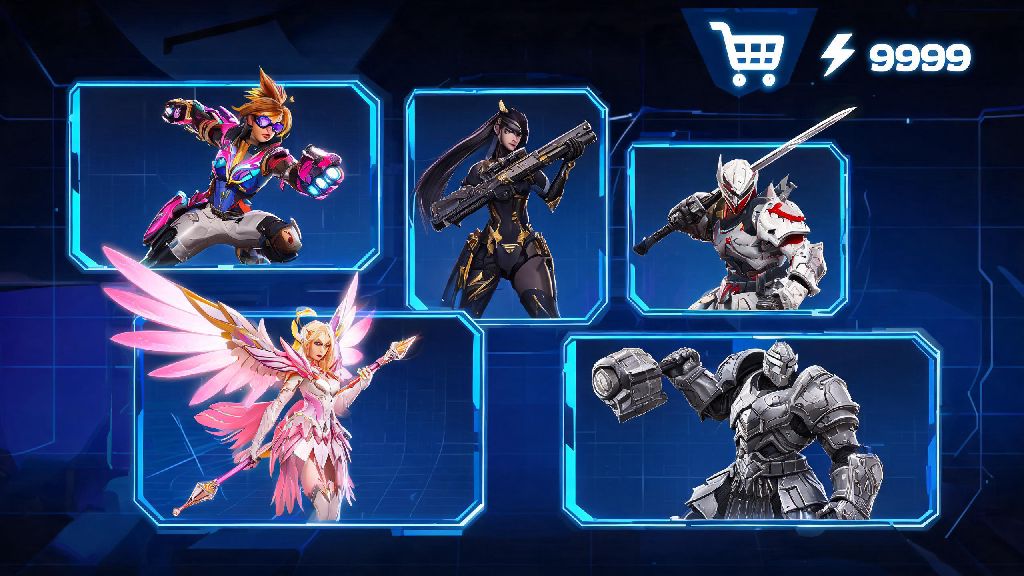
If you’ve ever scrolled the Overwatch 2 item shop and saw a skin that was made for your go-to duo partner, your first question is probably can you gift a skin in Overwatch 2. I’ve had at least 10 friends ask me this over the last year, especially after big event drops when limited-time skins hit the shop. Blizzard changed a lot of rules when they moved from the original Overwatch to the free-to-play sequel, so it’s normal to be confused about what’s allowed and what’s not. This guide breaks down every official rule, safe workaround, and common pitfall so you don’t waste money or accidentally get scammed trying to send a skin to a friend.
Can You Gift a Skin in Overwatch 2 Directly In-Game?
Right now, the short answer to that question is no, Blizzard does not offer a direct in-game gifting feature for individual Overwatch 2 skins. A lot of players are confused by this because the original Overwatch had a limited gifting feature for a short time before the sequel launched, and many other free-to-play shooters like Fortnite and Valorant let you send skins directly to friends from the in-game shop. Blizzard’s official stance on in-game gifting is that they paused rollout of the feature in late 2023 after running into widespread issues with chargeback fraud. Bad actors would buy skins as gifts using stolen credit cards, then dispute the charge after the recipient redeemed the skin, leading to thousands of players getting temporary account bans or having their cosmetics revoked while Blizzard investigated.
They’ve said they’re working on a more secure version of the feature, but there’s no public timeline for when it might launch. You might see random posts on Reddit or social media claiming there’s a hidden way to gift skins directly, but those are almost always either outdated or scams designed to get you to share your account information. Never share your Battle.net login with anyone, even if they claim they can help you unlock or gift rare skins.
Legitimate Workarounds to Send Overwatch 2 Skins to Friends
Just because you can’t send individual skins directly from the in-game shop doesn’t mean there’s no way to get your friend the skin they’ve been wanting. These are the only three 100% legitimate, Blizzard-approved ways to send Overwatch 2 cosmetics to friends, and I’ve used all of them myself for my own friend group with zero issues.
None of these workarounds carry any risk of scams or account bans, as long as you buy all codes and gift cards directly from official sources. I usually go with the Blizzard balance option for most gifting, because it lets my friends pick exactly what they want even if the skin I had in mind leaves the shop before they have time to buy it.
Common Gifting Mistakes to Avoid at All Costs
I’ve seen so many players waste money or get scammed trying to send skins to friends, just because they didn’t know the basic rules. These are the most common mistakes you should skip if you want your gifting experience to go smoothly.
First, buying skins from third-party reseller sites is never a good idea. Sites that claim to sell rare, limited-time Overwatch 2 skins for cheap are almost always scams. They either sell codes that were purchased with stolen credit cards, which will get revoked a few days after your friend redeems it, or they just take your money and never send you a code at all. Blizzard does not honor any purchases made from unauthorized sellers, so you won’t be able to get a refund if something goes wrong.
Second, don’t ignore region locking rules. If you live in North America and your friend lives in Europe, a North American Blizzard gift card or bundle code won’t work for their account. You have to buy a code that’s specific to their account’s region, which you can usually check by asking them what region they selected when they made their Battle.net account. Most official store pages let you pick the region you’re buying for before you check out, so it’s easy to adjust if you pay attention.
Third, don’t waste time trying to gift old, limited-time skins that are no longer available. If a skin was part of a 2022 Halloween event or a Battle Pass from Season 3, there’s no legitimate way to get that skin anymore, no matter what someone online tells you. Blizzard almost never re-releases exclusive limited-time skins, so anyone claiming they can get you a code for a retired skin is definitely trying to scam you. You also can’t transfer skins from your own account to another player’s account, even if you bought the skin by mistake and don’t want it. Blizzard does not allow any account content transfers for any reason, so you’ll have to hold onto that skin or buy a separate one for your friend using one of the workarounds we listed earlier.
What to Do If Your Gifting Attempt Fails
Sometimes even if you follow all the rules, your gift might not go through for some reason. I’ve had this happen once when I tried to send a Battle Pass to a friend right after they made their account, and it was easy to fix once I knew what to do.
First, check your Battle.net purchase history to confirm that your payment went through. Sometimes bank holds can delay digital purchases for up to 24 hours, especially if you’re using a new credit card or a payment method you haven’t used on Battle.net before. If the purchase is marked as pending, just wait a day and it should go through on its own.
If the purchase is marked as complete but your friend still hasn’t received the gift, ask them to double check the email associated with their Battle.net account. A lot of people use old, unused email addresses for their gaming accounts, so the gift code might be sitting in an inbox they haven’t checked in months, or it might have been filtered into their spam folder.
If you still can’t find the gift, contact Blizzard support directly through the official Battle.net help page. You’ll need to provide your purchase receipt and the email address of the recipient, and they can either resend the gift or issue you a refund if there was a system error. Refund policy for gifts is pretty generous: you can get a full refund for any unused, unredeemed gift within 14 days of purchase, no questions asked. If the gift has already been redeemed by the recipient, you won’t be able to get a refund, so make sure you’re sending it to the right person before you complete your purchase.
At the end of the day, even though the answer to can you gift a skin in Overwatch 2 directly from the in-game shop is no for now, there are still plenty of safe, easy ways to send your friends the cosmetics they’ve been wanting. Blizzard has dropped a few hints that they’re testing a new secure in-game gifting feature for individual skins, so we might see that launch in a future season if they can work out the fraud issues that made them pause the feature earlier. Until then, stick to the official workarounds we listed, avoid any too-good-to-be-true offers from third-party sites, and you’ll be able to surprise your duo with their dream skin before your next competitive queue. Nothing makes a win feel better than knowing you’re both rocking your favorite skins, after all.